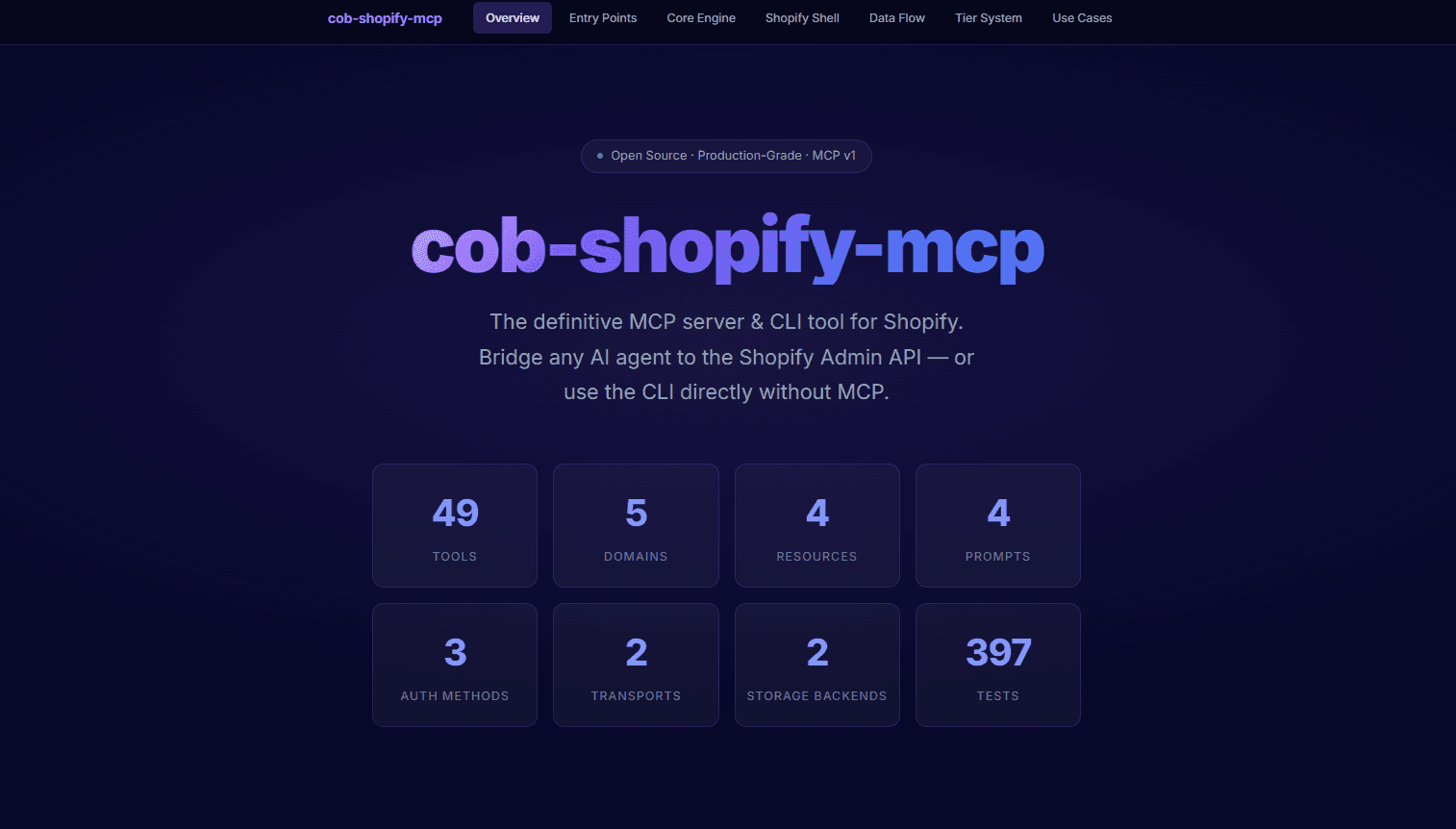
Call O Buzz Services has released COB Shopify MCP, an open source, production-grade MCP server and CLI for AI-powered Shopify store management. With 49 tools spanning 5 domains, it bridges the Shopify Admin GraphQL API with AI platforms like Claude, Cursor, and Windsurf.
The project is available on GitHub and npm under an open source license.
Why We Built COB Shopify MCP
The Model Context Protocol (MCP) is changing how AI agents interact with external services. But building a production-ready MCP server for a complex API like Shopify requires handling authentication, rate limiting, caching, and validation — all while keeping the tool surface area manageable for AI agents.
Most existing Shopify integrations for AI are either too basic (limited to a handful of read-only operations) or too fragile for production use. We built COB Shopify MCP to solve both problems:
- Comprehensive coverage across Products, Orders, Customers, Inventory, and Analytics
- Production-ready architecture with rate limiting, caching, retry logic, and audit trails
- Dual-mode operation that works as both an MCP server for AI agents and a standalone CLI
49 Tools Across 5 Domains
COB Shopify MCP organises its capabilities into five domains, giving AI agents full visibility into a Shopify store:
| Domain | Tools | Examples |
|---|---|---|
| Products | 15 | Create, update, search, manage variants, handle images |
| Orders | 12 | Fulfil, refund, cancel, search orders, manage transactions |
| Customers | 9 | Create, update, search, manage addresses, view order history |
| Inventory | 7 | Adjust stock, transfer between locations, track levels |
| Analytics | 6 | Sales reports, inventory risk analysis, customer insights |
Every tool uses Zod v4 schemas for runtime input and output validation — no unexpected payloads reach the Shopify API.
Dual-Mode: MCP Server + Standalone CLI
One of the things that sets COB Shopify MCP apart is its dual-mode design:
- MCP Server mode — connect it to Claude Desktop, Cursor, Windsurf, or any MCP-compatible AI agent. The server exposes all 49 tools, plus MCP Resources (Shop Info, Locations, Currencies, Policies) and MCP Prompts (Store Health Check, Daily Sales Report, Inventory Risk Analysis)
- CLI mode — use it directly from your terminal without any MCP setup. Run
cob-shopify-mcp cli products listto manage your store from the command line
This means you can start exploring with the CLI and later integrate the same tool into your AI workflows without changing anything.
3-Tier Safety System
Not all Shopify operations carry the same risk. A product search is harmless; a bulk order cancellation is not. COB Shopify MCP uses a tiered system:
- Tier 1 (Safe) — read-only operations enabled by default
- Tier 2 (Sensitive) — write operations like creating orders or adjusting inventory, opt-in via configuration
- Tier 3 (Custom) — define your own tools using YAML definitions for store-specific workflows
This gives AI agents access to what they need while keeping destructive operations behind explicit consent.
Production-Ready Architecture
The server is built with a layered architecture designed for reliability:
- Auth Manager — supports 3 authentication methods: static token, OAuth client credentials, and OAuth auth code
- Rate Limiter — respects Shopify's 1000-point GraphQL budget with cost-based throttling
- Cache Layer — multi-layer caching with configurable TTL per query type
- Retry Engine — exponential backoff for transient failures
- Audit Trail — structured logging with pino for every operation
Two transport modes are supported: stdio for local MCP connections and Streamable HTTP for remote deployments. Docker and Docker Compose support is included for HTTP server deployment.
Getting Started
Install from npm and start managing your store:
npx cob-shopify-mcp --help
Or clone the repository for full access:
git clone https://github.com/callobuzz/cob-shopify-mcp.git
cd cob-shopify-mcp
npm install
npm run build
Configure your Shopify credentials via environment variables, a YAML config file, or CLI flags — whichever fits your workflow.
Built With
| Technology | Purpose |
|---|---|
| TypeScript | Type-safe codebase with full inference |
| Node.js | Runtime |
| MCP Protocol | AI agent communication standard |
| Shopify GraphQL API | Store data and operations |
| Zod v4 | Runtime schema validation |
| citty | CLI framework |
| pino | Structured logging |
| Docker | Containerised deployment |
What This Means for Shopify Store Owners
If you run a Shopify store and use AI tools, COB Shopify MCP lets your AI assistant understand and manage your entire store. Ask Claude to check inventory levels, generate a sales report, or find customers who ordered in the last 30 days — all through natural language.
For developers building AI-powered e-commerce tools, this is a ready-made integration layer. Instead of writing Shopify API code from scratch, point your MCP client at COB Shopify MCP and start building.
Check out the full repository: github.com/callobuzz/cob-shopify-mcp
Visit our open source page to explore all projects from Call O Buzz Services. You can also browse our blog for technical articles, or get in touch if you have questions.